
 ARCadeOS
ARCadeOS
ARCadeOS
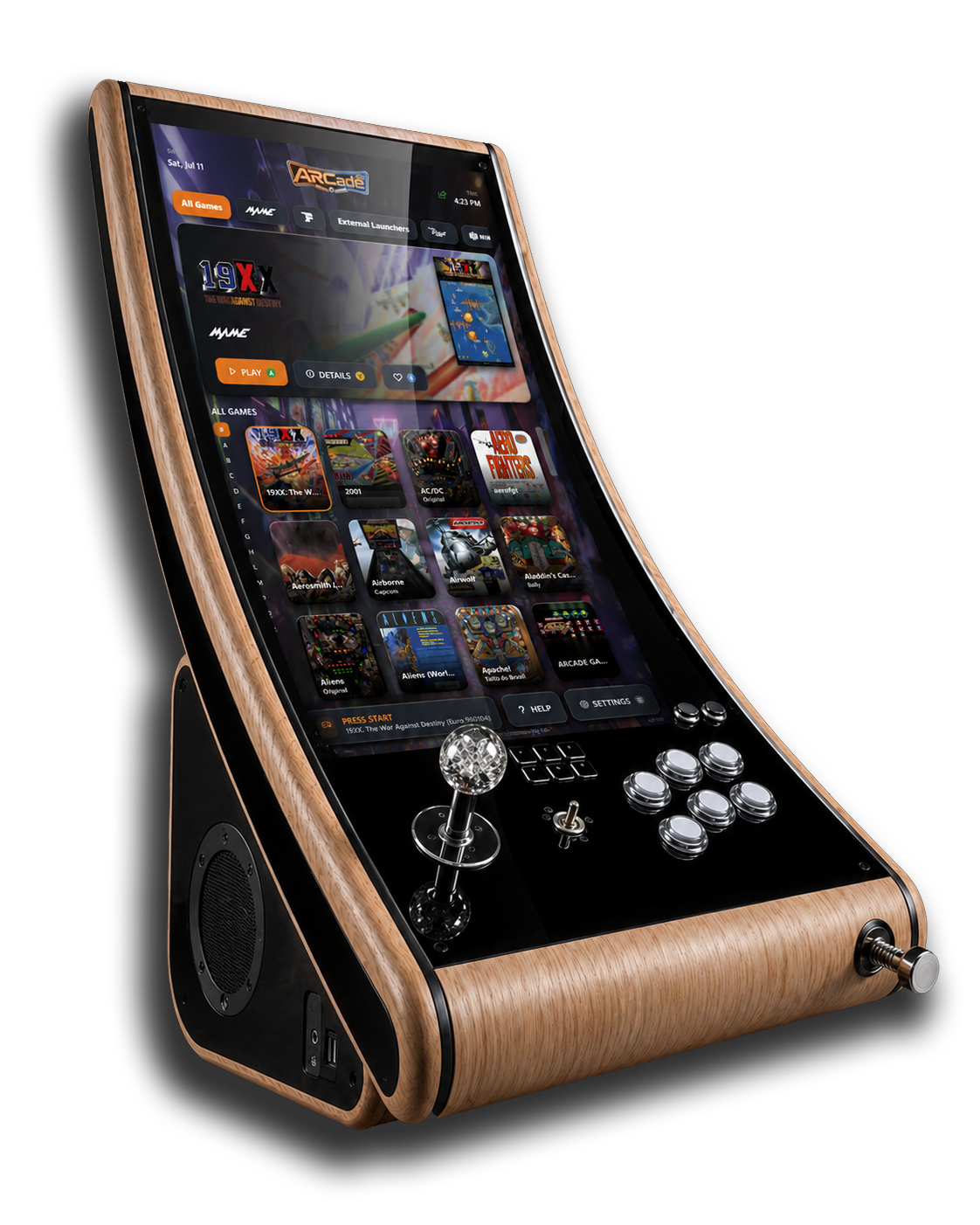
The software behind DIY Engineering’s handcrafted arcade & pinball cabinet — a polished, controller-first frontend for arcade, pinball, classic consoles, PC and Steam that looks after its own artwork and updates, and even shares games between ARCade cabinets.
Made for the ARCade cabinet
ARCadeOS is the software heart of the ARCade — DIY Engineering’s handcrafted arcade & pinball cabinet. Power on and you land in a single, beautiful, big-screen interface — no desktop, no juggling emulators, no keyboard required. Pick a game and it launches on the right system automatically.
Arcade (MAME & FBNeo), real pinball on Visual Pinball and Future Pinball, classic consoles through RetroArch, plus PC & Steam titles — all in a single library.
Drive everything from your controls. Joysticks, buttons, spinners and trackballs are all understood — and mapping a control is as easy as pressing it.
Box art, video previews and metadata are fetched and organised for you, and a guided first-run wizard sets the cabinet up from scratch in minutes.
Cabinets can share games with each other over the private Tor network — opt-in per game, with optional auto-download for the systems you choose. No accounts, no setup.
Built-in netplay lets two cabinets face off head-to-head, so game night isn’t limited to one machine.
New features and fixes arrive quietly in the background over a secure, signed update feed. Your cabinet simply stays fresh.
One cabinet, every era
From the golden age of the arcade to modern pinball and living-room consoles — a single library, every platform.


























Emulators and games are provided by you or your cabinet package — ARCadeOS is the frontend that ties them together.
Signature feature
Flip one switch and your cabinet can quietly offer the games you choose to other ARCadeOS cabinets, and pull down theirs — carried privately over the Tor network. No addresses to swap, no accounts, no port-forwarding.
See it in action
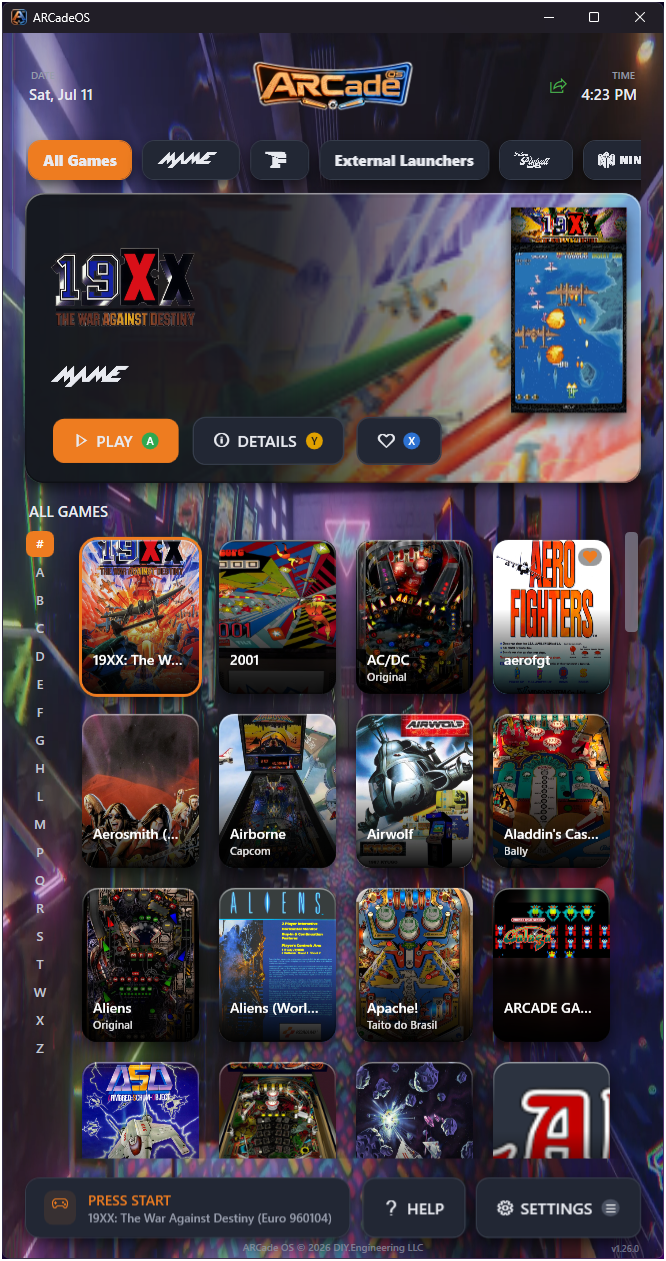
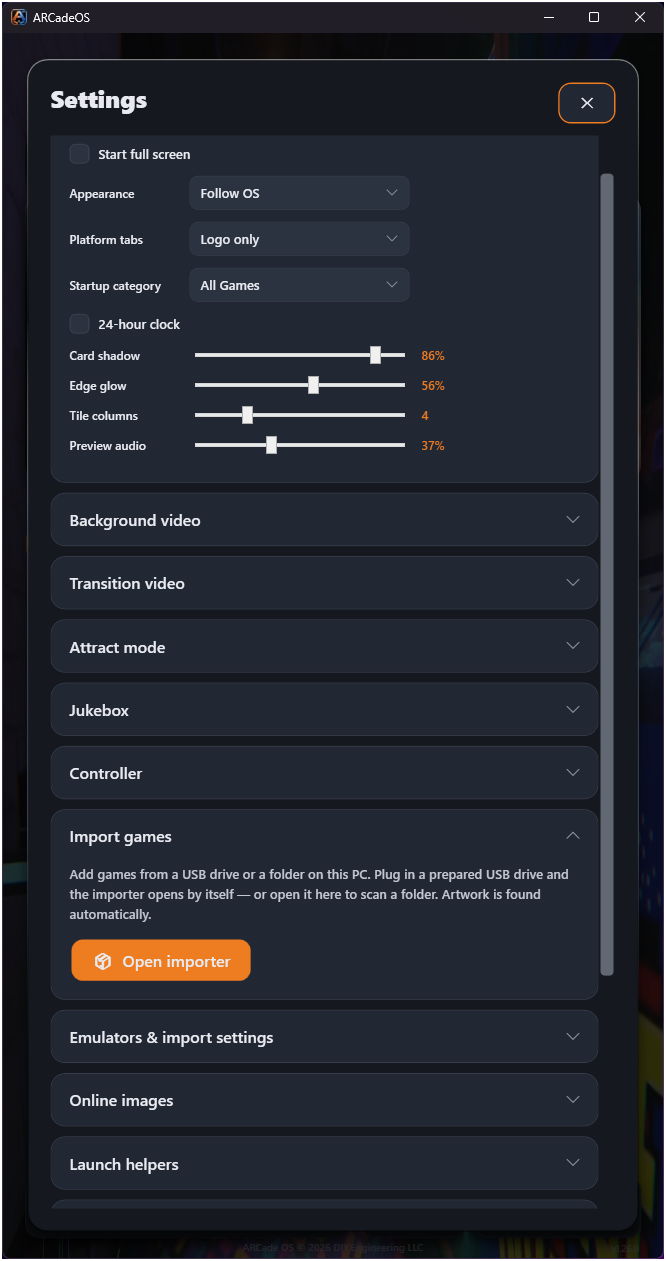
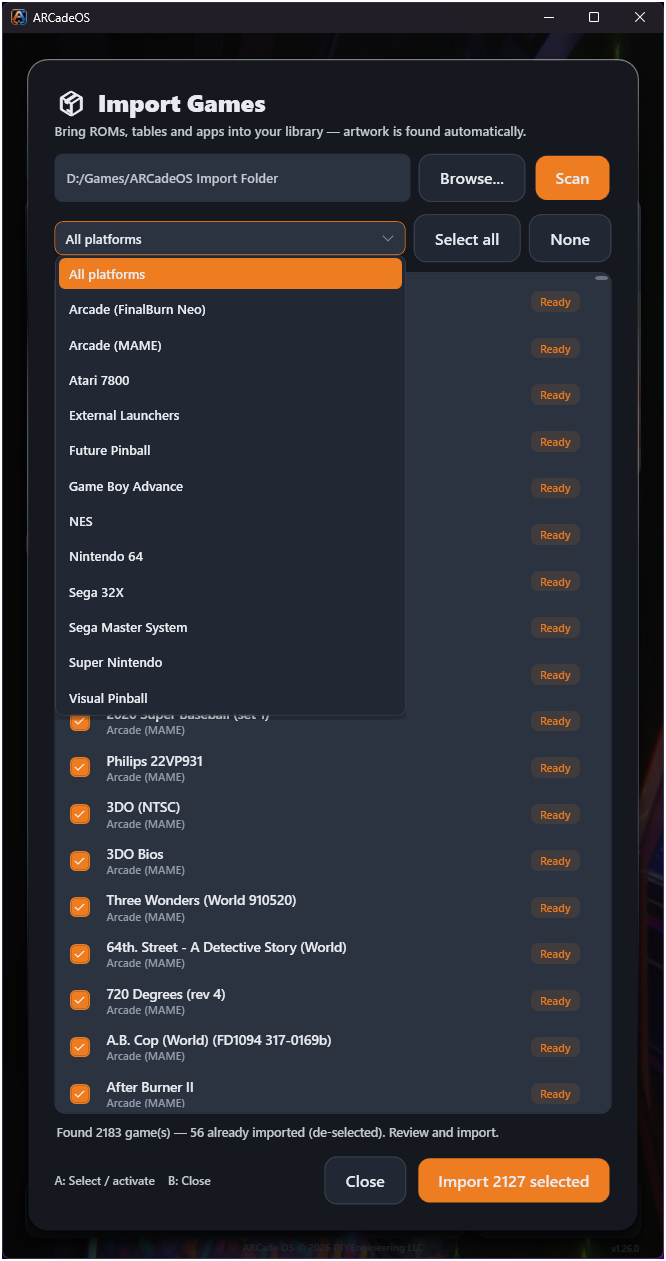
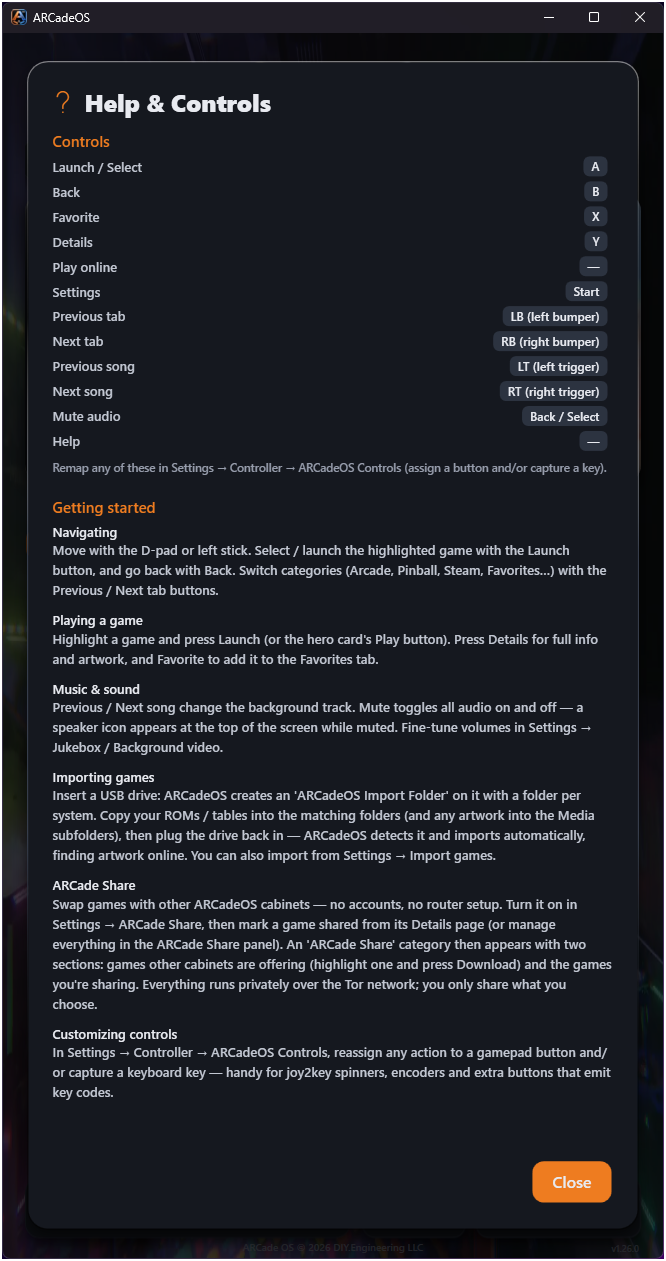
A portrait interface built for the cabinet’s vertical display — fast, legible from across the room, and unmistakably arcade.
The hardware
ARCadeOS ships on a handcrafted, PC-based cabinet with a motorized curved display that shifts from upright arcade mode to angled pinball mode — built by hand in Winter Garden, Florida.
27″ 1000R curved Full HD · 180Hz FreeSync · motorized adjustable play angle.
AMD Ryzen 9 7940HS mini PC · Radeon 780M RDNA 3 · 32GB DDR5 · 1TB NVMe SSD · Windows 11 · WiFi 6E.
GP2040-CE controller · 8-way joystick + RGB buttons · 360 PPR spinner · precision plunger + 3-axis nudge · integrated 6-key Stream Deck.
CNC-milled oak · smoked acrylic overlays · hidden internal hinge wiring · 200W stereo audio · WLED RGB lighting.
Built-in PC, 27″ curved display, GP2040-CE controls and 300W audio — fully assembled, configured and tested, ready to play out of the box.
The same handcrafted build, display, controls and audio — connect your own rig.
Founding Series — 10 numbered units · 4–6 week lead time · fully assembled, configured, tested & backed by a 12-month warranty.
For cabinet owners
ARCadeOS checks this secure feed and installs new releases on its own. There’s nothing to download by hand — here’s what’s live and what just landed.
Releases roll out on the stable channel and apply on the next restart. The feed hosts update packages only — game content is never distributed here.
Owner support
Setup questions, features, or troubleshooting — we’re here to help you get the most out of ARCadeOS. The user manual covers everything from your first game to ARCade Share.
Email support@diy.engineering Read the manual